
[See update below.]
Folks, many of us who use WordPress noticed recently that our posted .gif animations won’t animate once posted, even though the animations work in the “Edit Post” view, like this one:
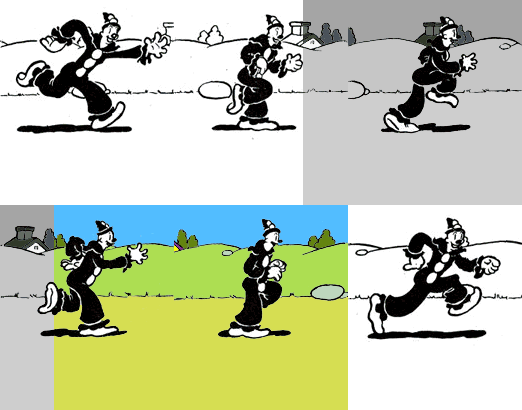
The .gif file above and the one I posted below are from the same file, but the one below runs. The solution is easy… unless you have several hundred .gif animations already posted on your blog, like we do. I hope WP fixes the glitch. TechTalk continues below, after the break.
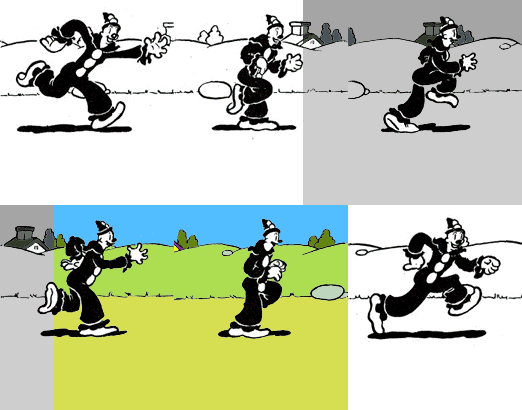
Quick! Run and tell WordPress!
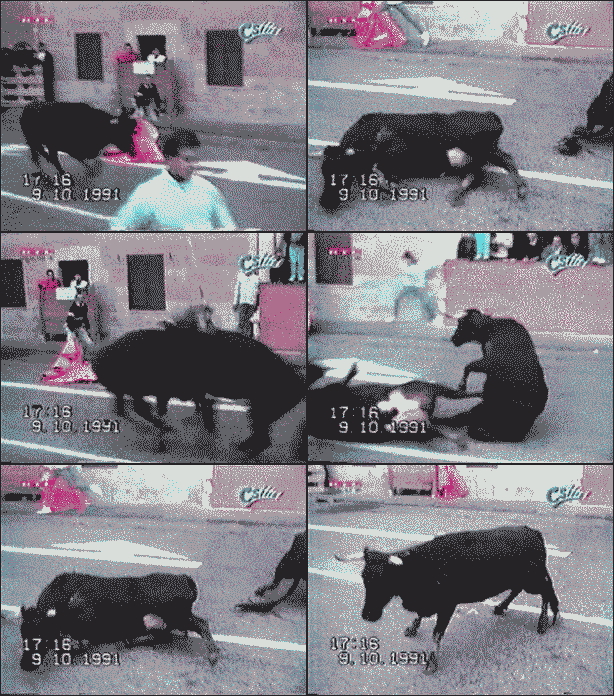
Meanwhile, here are a couple of Buttheads.
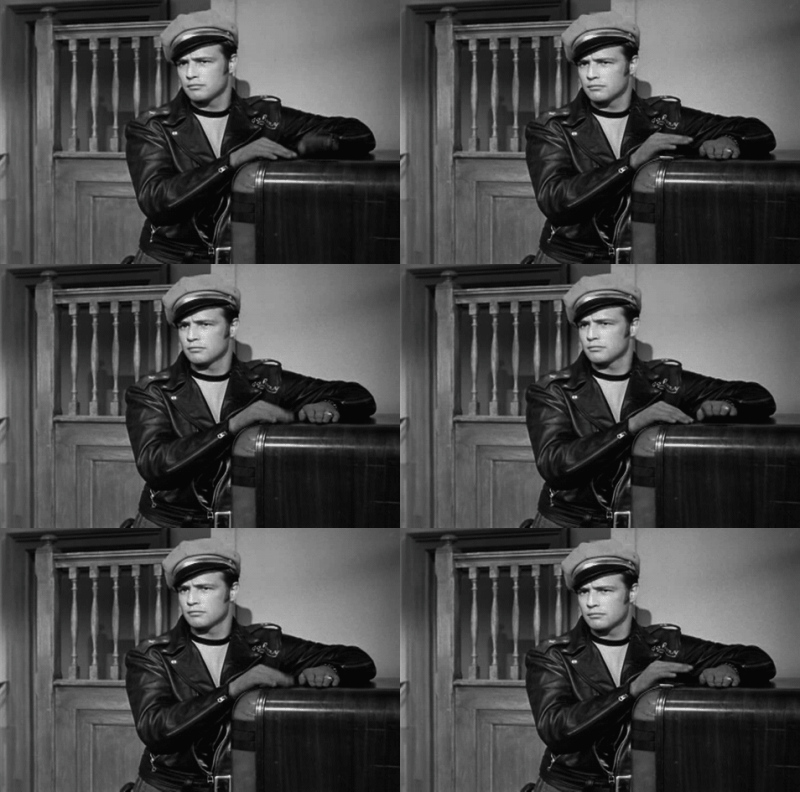
NOBODY can play the jukebox like Brando.
TechTalk below:The key to restoring .gif animations on WP is here:
http://en.forums.wordpress.com/topic/animated-gifs#post-374351
Scroll down to 25 August 2009. You need to post your .gif animation, go into HTML mode, and delete the following (leaving /> at the end of the thread):
width=”144″ height=177″
In other words, you delete the size command. Although this is a criticism of WP for messing with what already works, I still like it better than Blogger.
–Bunk
[Update: When this was originally posted, I wasn’t aware of the properties of .gif animations, that you can’t resize them without a program like JASC. I’ve learned since then, and this rant about WorpDress was due to my lack of experience, not a problem with WP. –Bunk]

 Tacky Raccoons